Veo AI Video Generator
Describe your idea, generate an image instantly, then watch Veo AI animate it into video with Veo 3 and Veo 3.1 quality — free, no install.
Veo AI Generator
Live previewVeo AI / veovideoai.com is an independent tool and is not affiliated with, endorsed by, or sponsored by Google or Google DeepMind.
What's new in Veo 3
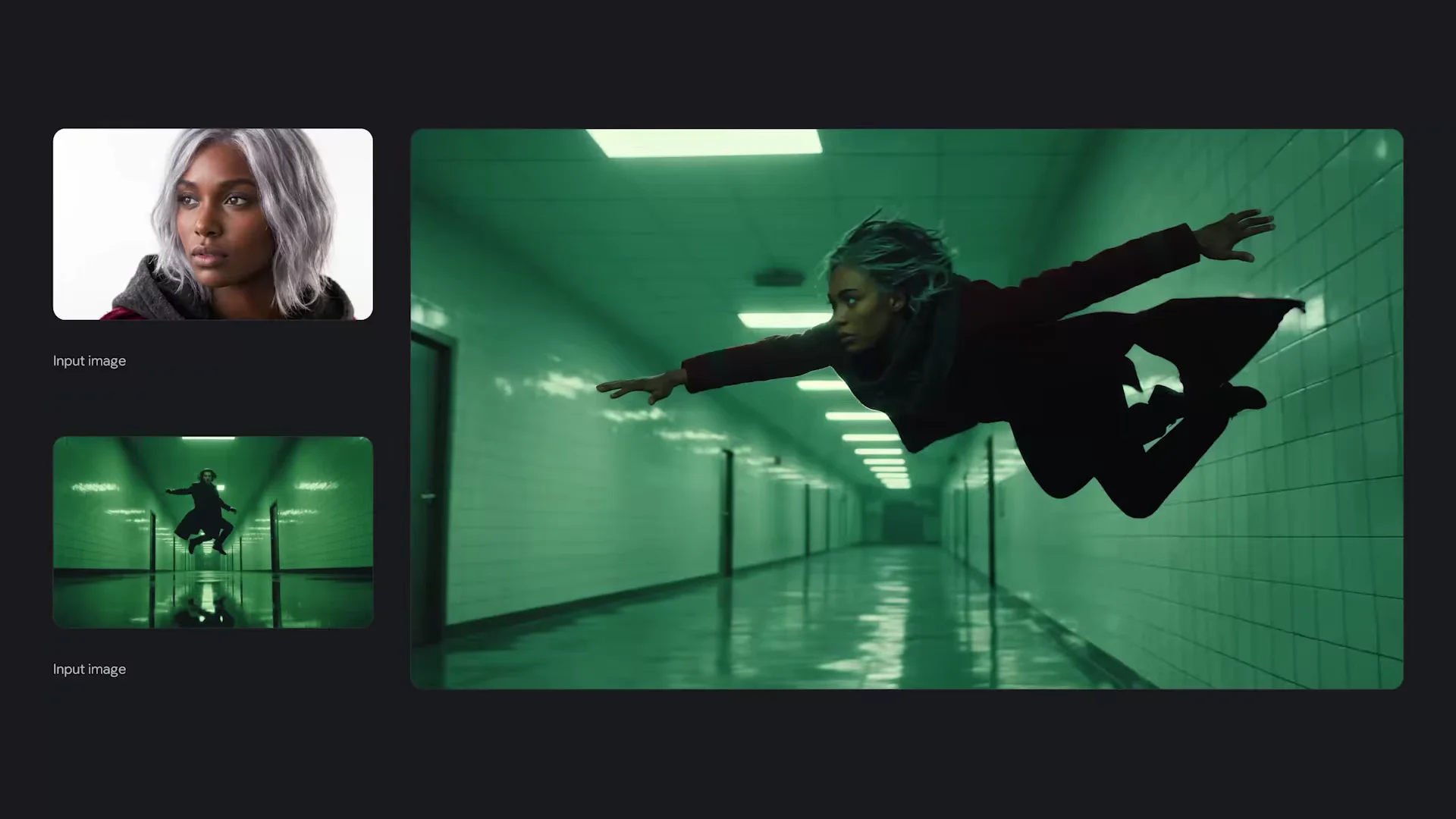
Re-designed for greater realism
Greater realism and fidelity, made possible by Veo AI's real world physics and native audio.
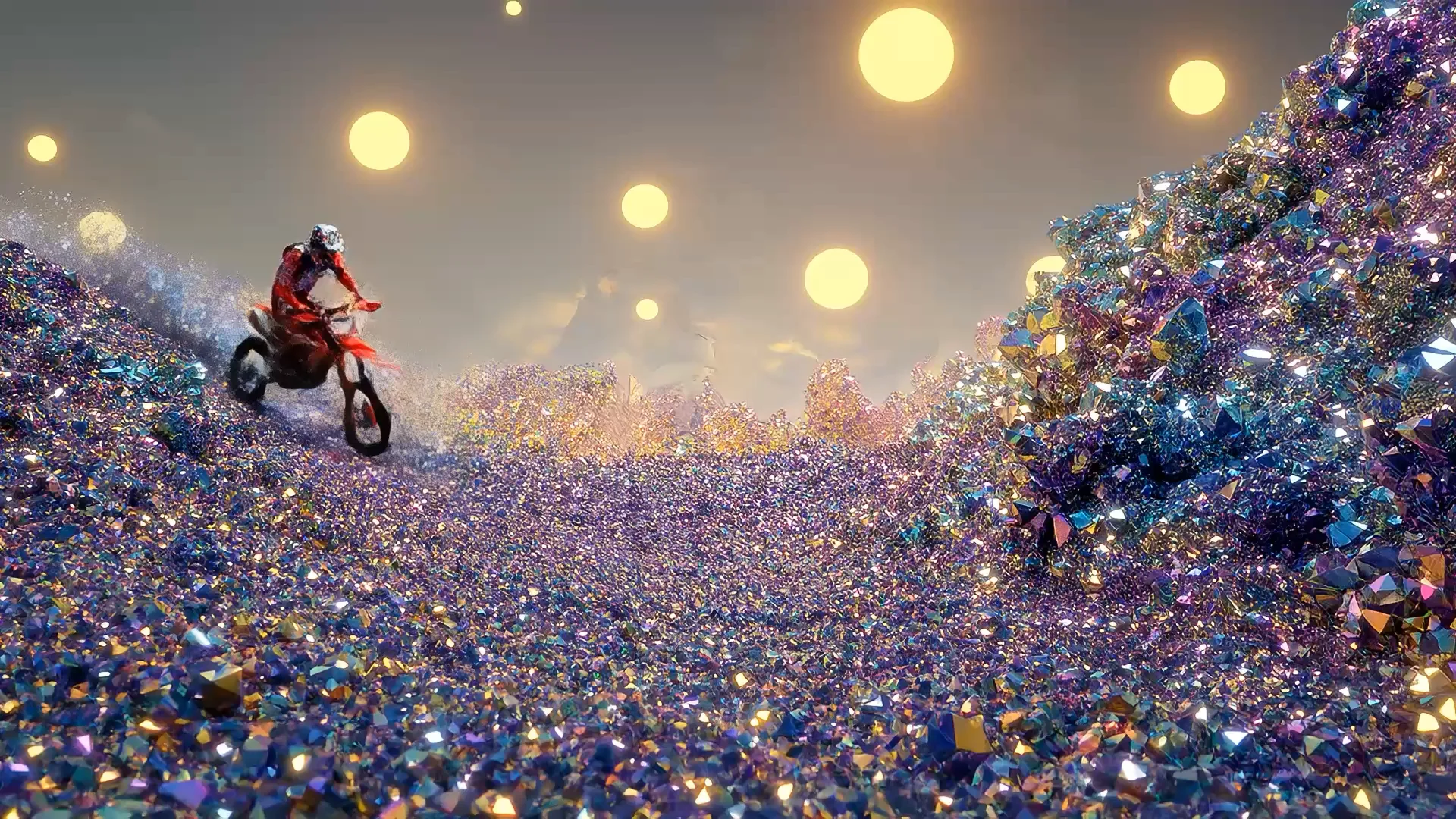
Follows prompts like never before
Improved prompt adherence, meaning more accurate responses to your intricate instructions.
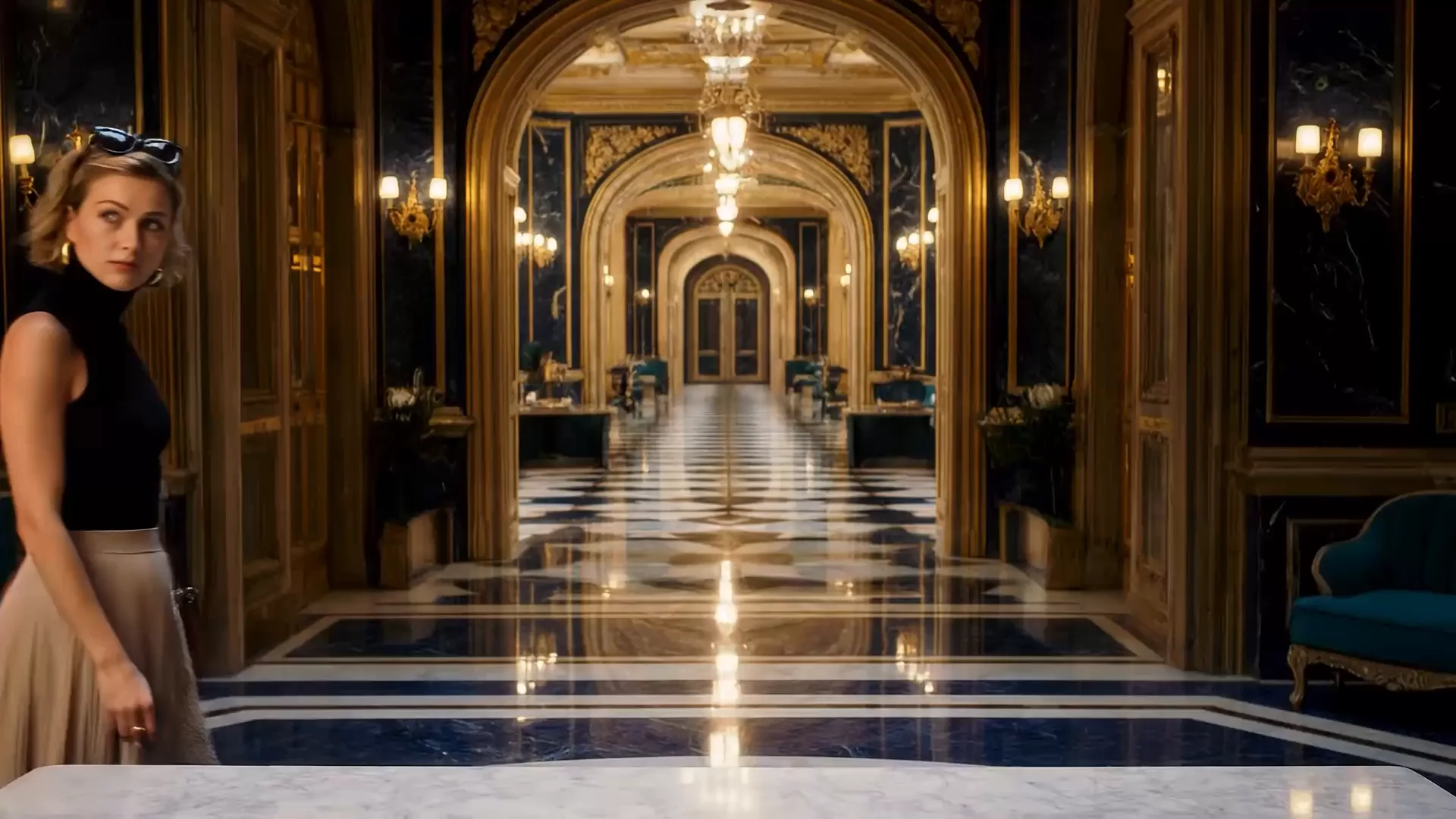
Improved creative control
New levels of control, consistency, and creativity — now across generated audio.
Native audio generation
A standout Veo 3 feature, Veo AI lets you add sound effects, ambient noise, and even dialogue to your creations — generating all audio natively alongside the video.
Image-to-video capabilities
Bring any image or reference to life with Veo 3.1. Start with a static frame, and watch as Veo AI transforms it into a dynamic, flowing sequence.
Object & character consistency
Ensure characters and objects keep their appearance across different scenes in your videos by giving Veo AI reference elements.
Professional grade 1080p & 4K
Generate outputs in 1080p and 4K with Veo 3.1. 1080p offers a sharper video perfect for editing, while 4K captures rich textures and stunning clarity.
Showcase Gallery
How to use Veo AI
Describe
Type a prompt describing your scene in detail. Be specific about lighting, camera angles, and atmosphere.
Generate Image
Veo AI instantly creates a high-quality, perfectly composed starting image based on your prompt.
Animate to Video
With a single click, transform your static image into a stunning, fluid Veo3 AI video with native sound.
Blazing Fast
Instant generations
Zero Install
Works in your browser
Free to Try
No credit card needed
HD Output
1080p and 4K ready
Frequently Asked Questions
Veo AI is an advanced AI video generator tool that transforms text prompts into high-quality images, and then animates those images into stunning, lifelike videos using cutting-edge Veo 3 and Veo 3.1 quality generative video models.
Enter a detailed description of the scene you want into the tool above. First, click "Generate Image" to see a static preview. Once you are happy with the image, click "Animate to Video" to bring it to life with motion.
Yes, Veo AI offers a free tier to try out the video generator without needing a credit card or installation. You can start generating right away in your browser.
Veo 3 brings massive improvements in physical realism, prompt adherence, and image-to-video capabilities. Veo 3.1 introduces native audio generation, meaning your videos are created alongside synchronized sound effects and dialogue.
Yes, native audio generation is a hallmark Veo 3 capability, allowing you to create videos that include matching ambient sounds, Foley, and even synthesized speech perfectly timed to the generated visuals.
We support professional-grade outputs. You can generate sharp 1080p videos suitable for most digital platforms, or scale up to 4K resolution for incredibly detailed, cinematic quality.
Absolutely. While our hero tool demonstrates the text-to-image-to-video flow, the underlying technology excels at image-to-video, allowing you to provide your own starting frame or style reference to animate.
No. Veo AI / veovideoai.com is an independent tool site built to provide access to AI video generation features. We are not affiliated with, endorsed by, or sponsored by Google or Google DeepMind.
Start generating with Veo AI
Turn your ideas into breathtaking video content in seconds with Veo 3 AI.
Generate Free